
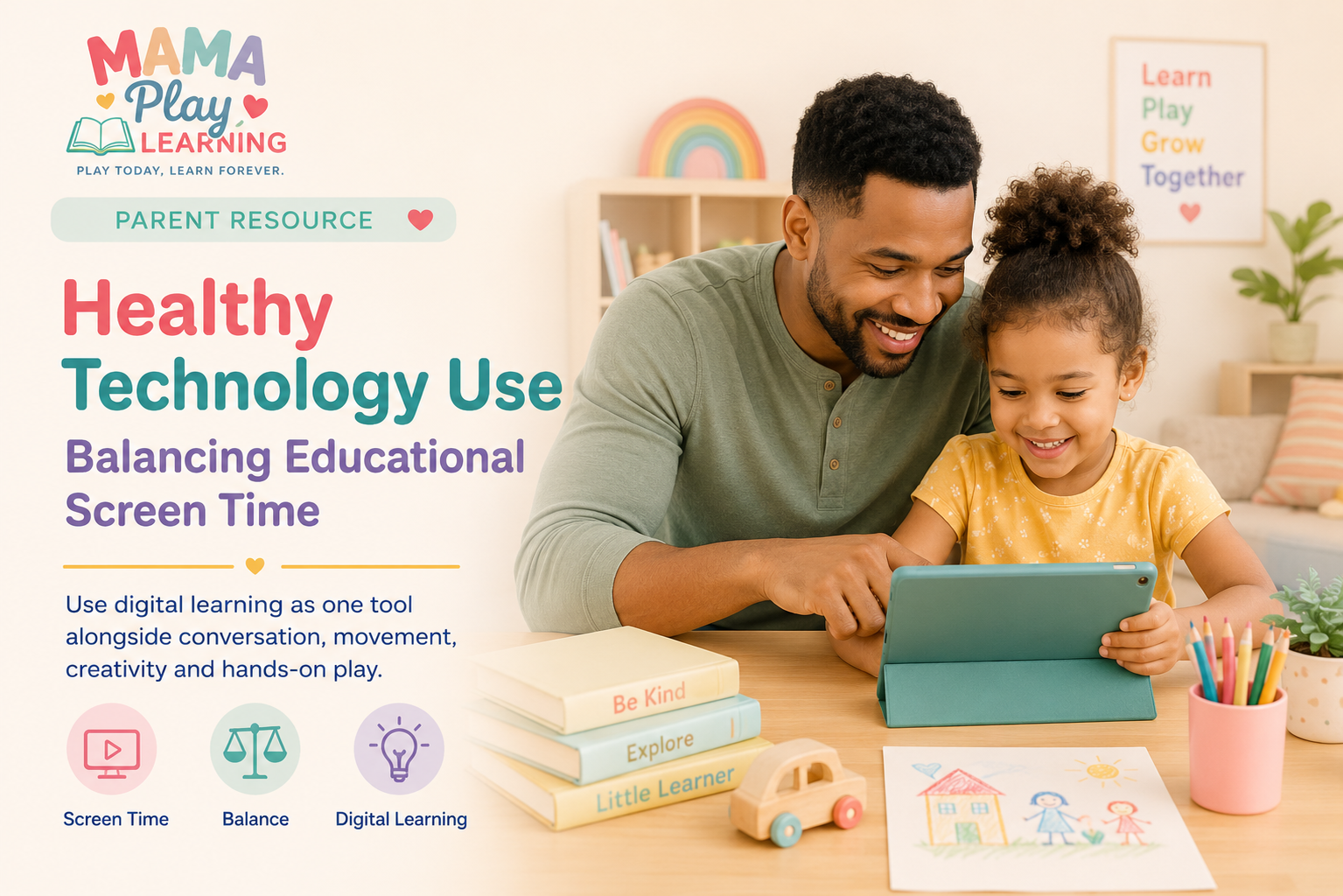
Balancing Educational Screen Time
Use digital learning as one tool alongside conversation, movement, creativity and hands-on play.
Technology is part of modern childhood. Children may use screens for educational games, digital stories, video calls, music, creative activities and entertainment.
That does not mean every moment with a screen is harmful, and it does not mean every educational app is automatically beneficial. What matters most is how technology fits into the child’s overall day.
Digital learning can be useful when it supports curiosity, practice and connection. It becomes less helpful when it regularly replaces conversation, movement, sleep, creativity and hands-on exploration.
The goal is not to make technology the enemy. The goal is to use it intentionally and keep it in balance with real-world childhood experiences.
Educational Does Not Always Mean Balanced
A program may teach letters, numbers or vocabulary, but children still need more than the skill shown on the screen.
Young children learn through:
- Talking with other people
- Moving their bodies
- Touching and manipulating objects
- Creating, building and pretending
- Watching facial expressions
- Exploring the physical world
A good educational app can support learning, but it cannot provide every part of healthy development by itself.
Choose Screen Content With a Clear Purpose
Before opening an app or video, ask what you want the child to gain from it.
The purpose might be:
- Practicing letter recognition
- Reviewing counting skills
- Listening to a story
- Learning a new song
- Exploring a topic the child is curious about
- Creating digital art or music
If you cannot easily explain what the content supports, it may be mostly entertainment—and that is not automatically wrong. It simply helps to be honest about what kind of screen time it is.
Look beyond the word “educational”
Choose content that is understandable, age-appropriate, interactive without being overwhelming, and connected to skills or ideas your child can use outside the screen.
Use Short, Predictable Screen Sessions
Many young children manage screen time more easily when it has a clear beginning and ending.
Instead of leaving the device available for an undefined amount of time, you can say:
Other clear stopping points might be:
- One episode
- One story
- One game level
- A set timer
- Finishing a specific activity
Predictable stopping points often feel easier than suddenly ending screen time in the middle of an activity.
Watch and Learn Together When Possible
Children can gain more from digital content when an adult is nearby, interested and engaged.
You do not need to narrate every second. Small comments can help connect the screen to language and real life.
You can also:
- Ask what the child noticed
- Repeat a new word
- Help when directions are confusing
- Talk about the story afterward
- Celebrate problem-solving rather than only winning
Connect Digital Learning to Hands-On Play
One of the best ways to balance educational screen time is to continue the idea away from the device.
After a counting game
Count blocks, crackers, steps or stuffed animals.
After an alphabet activity
Look for the same letters in books, signs or the child’s name.
After a digital story
Draw a favorite scene or act out part of the story.
After a movement video
Turn off the device and keep dancing, stretching or pretending.
Balance Sitting With Movement
Screen use usually involves sitting and looking closely. Young children also need frequent opportunities to move their whole bodies.
After screen time, offer something active:
- Dance to a song
- Take a short walk
- Do animal movements
- Play outside
- Build a simple obstacle path
- Toss a soft ball
Protect Conversation and Connection
Some of the most important learning happens during ordinary conversation.
Children learn language, feelings, turn-taking and social cues by interacting with people. Screens should not regularly replace:
- Family meals
- Face-to-face play
- Storytime with an adult
- Conversations in the car
- Comfort during difficult feelings
Create Screen-Free Times and Places
Every family’s routine is different, but boundaries are easier for children to understand when they are consistent.
Possible screen-free times include:
- During meals
- During family conversations
- Before bedtime
- During outdoor play
- While completing a hands-on activity
Keep the rule simple
“No tablets at the table” is easier for a young child to understand than a long explanation that changes from day to day.
Notice How Your Child Responds
Children do not all respond to screen content in the same way.
Watch for signs that the content or session may be too stimulating:
- Difficulty stopping
- Strong irritability afterward
- Loss of interest in other activities
- Restlessness or emotional overwhelm
- Repeatedly asking for faster or more intense content
You may need to shorten the session, choose slower content or change what happens immediately afterward.
Avoid Using Screens for Every Difficult Moment
A screen can be useful during travel, appointments or an especially challenging day. But if it becomes the automatic response to every moment of boredom, waiting or frustration, children may have fewer opportunities to practice other coping skills.
Sometimes children can:
- Look through a small book
- Draw on paper
- Play a verbal guessing game
- Use a quiet toy
- Talk with the adult
- Practice waiting for a short period
Model the Balance You Want Children to Learn
Children notice how adults use phones, tablets and computers.
You do not need to hide every adult use of technology. It can be helpful to explain what you are doing:
Children also benefit from seeing adults:
- Put devices down during conversations
- Read printed books
- Create things by hand
- Spend time outside
- Choose breaks from screens
Helpful Tools for Balanced Technology Use
You do not need special products to create healthy screen habits. The following optional tools may help some families make device use safer, more predictable or easier to transition away from.
Optional Technology Tools
Visual Timer
A visual timer can help children see how much screen time remains and prepare for the transition.
View Visual TimersProtective Tablet Case
A sturdy child-friendly case can protect the device during supervised learning and creative activities.
View Tablet CasesVolume-Limiting Headphones
Child-sized headphones with volume limits may be useful when sound is needed in a shared space.
View Kids’ HeadphonesScreen-Free Activity Cards
Simple activity prompts can make it easier to move from screen time into drawing, movement or hands-on play.
View Activity CardsA Reminder for Parents and Caregivers
You do not have to choose between technology and traditional learning. Children can benefit from both when each is used thoughtfully.
A digital game can provide practice. A story app can introduce new language. A video call can strengthen family connection. But these experiences work best as part of a larger childhood that includes movement, conversation, books, creativity, outdoor time and real objects.
Balance will not look exactly the same in every family or on every day. The goal is to make intentional choices instead of allowing the screen to shape the whole routine.
MamaPlayLearning Takeaway
Educational screen time is most helpful when it supports learning instead of replacing real-life experience.
Choose quality content, keep sessions predictable, join your child when possible and connect digital ideas to movement, conversation and hands-on play. Technology can be one useful tool inside a balanced childhood.
Keep digital learning playful and balanced
Explore MamaPlayLearning games, storybooks and free worksheets designed to support early learning both on and away from the screen.